
Screenshots
All taken on one PC, 1600 × 960, with seven open-source trees (Linux, LLVM, Godot, Blender, CPython, Rust and the .NET runtime: about 450,000 files) on a drive. Click a picture for full size.
A drive as a map

A Drive tab. The map is sized by bytes, so the biggest folders are the biggest blocks. Composition on the
right: the drive by file type and age, possible duplicates, the largest folders, and what could go. The Timeline
below shows which folders changed in the last minutes.
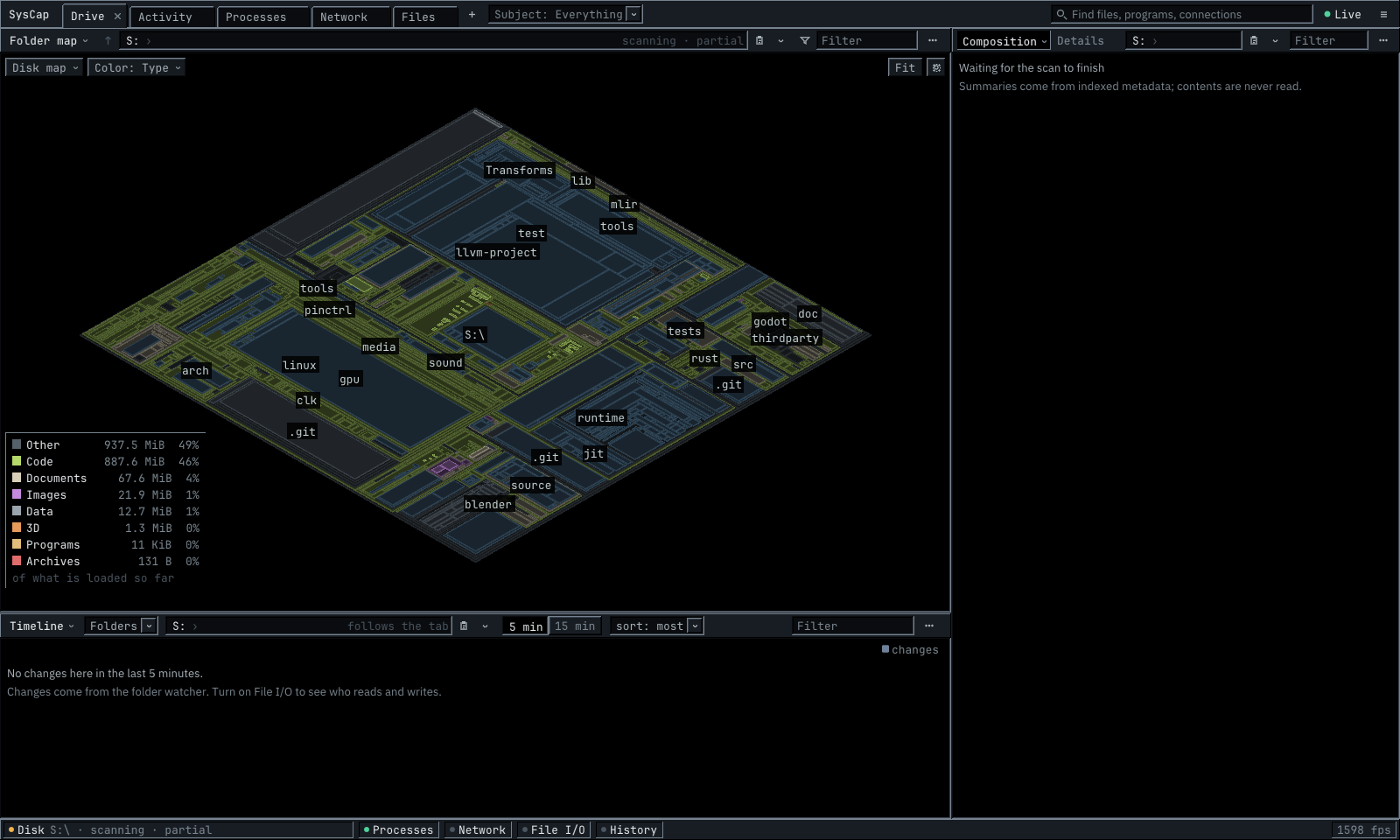
The same drive through the Lens: colour by type (or by age), with a legend. A click on a legend entry
isolates that colour.
What is happening
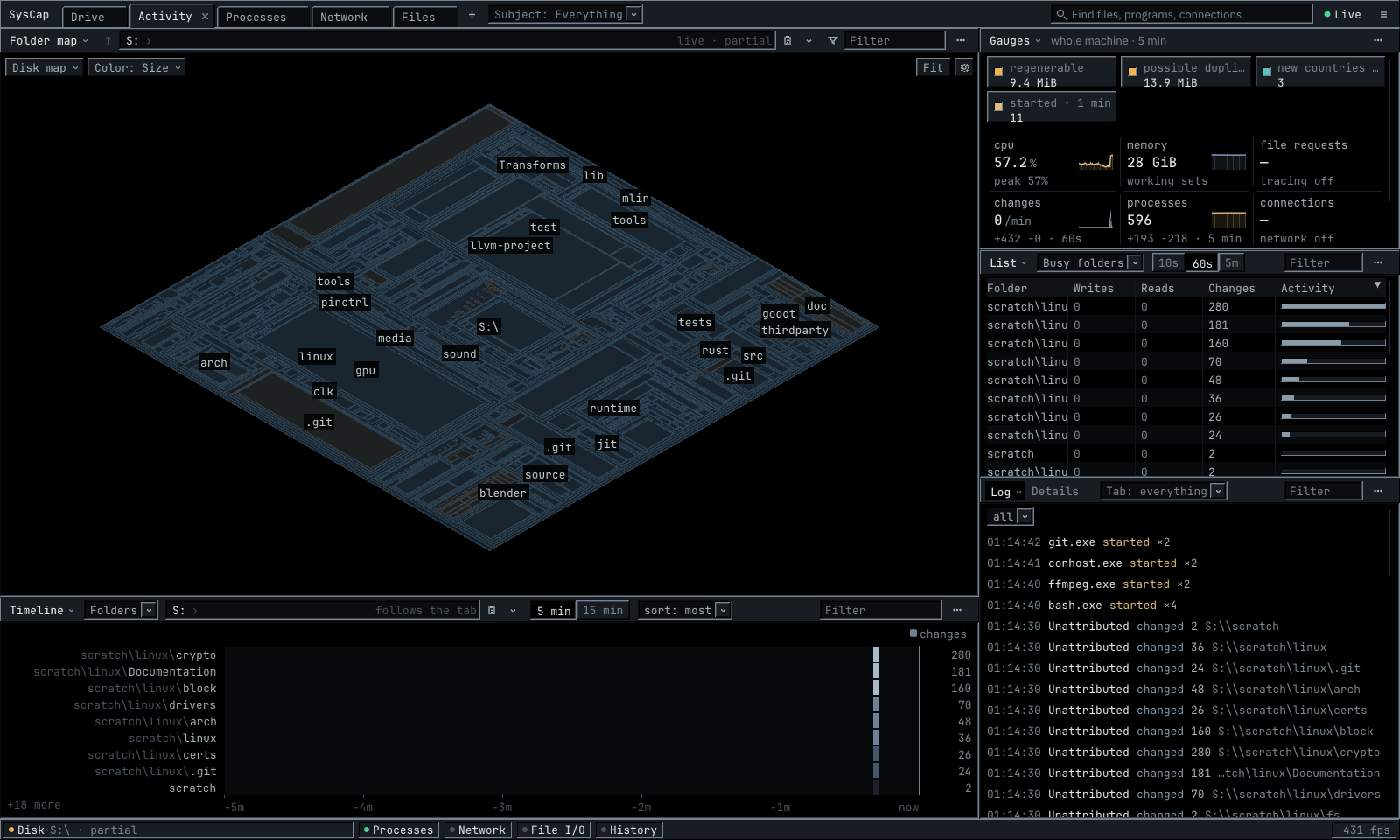
An Activity tab while a folder is copied onto the drive. Files light up where they land, the Timeline
and the busy-folders list say which folders are changing, the Gauges point at the busiest program, and the Log lists
what happened, newest first.
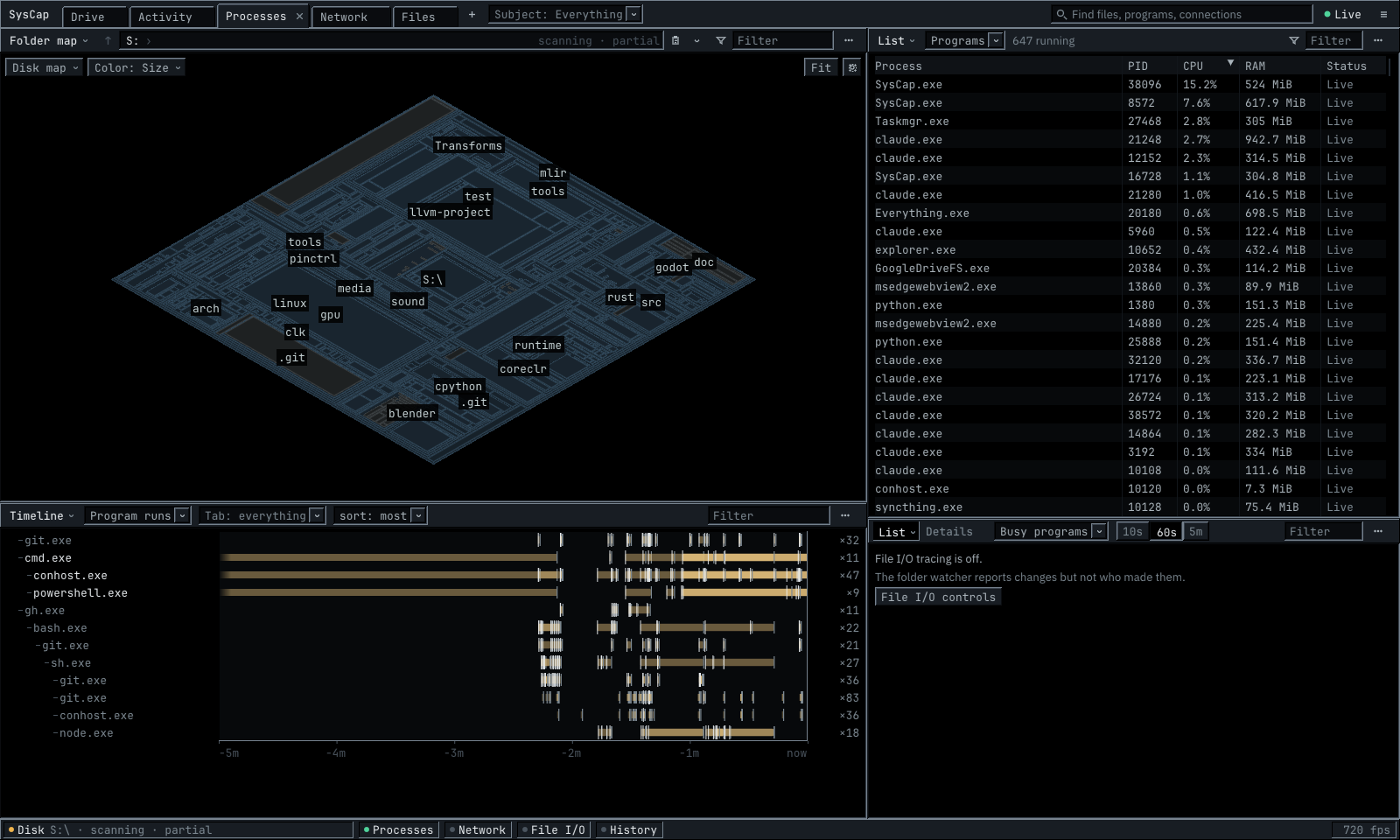
A Processes tab. Every running program with CPU, memory and status, program runs over the last
minutes as bars (with the programs each one started), and the busiest programs by I/O.
Where it connects
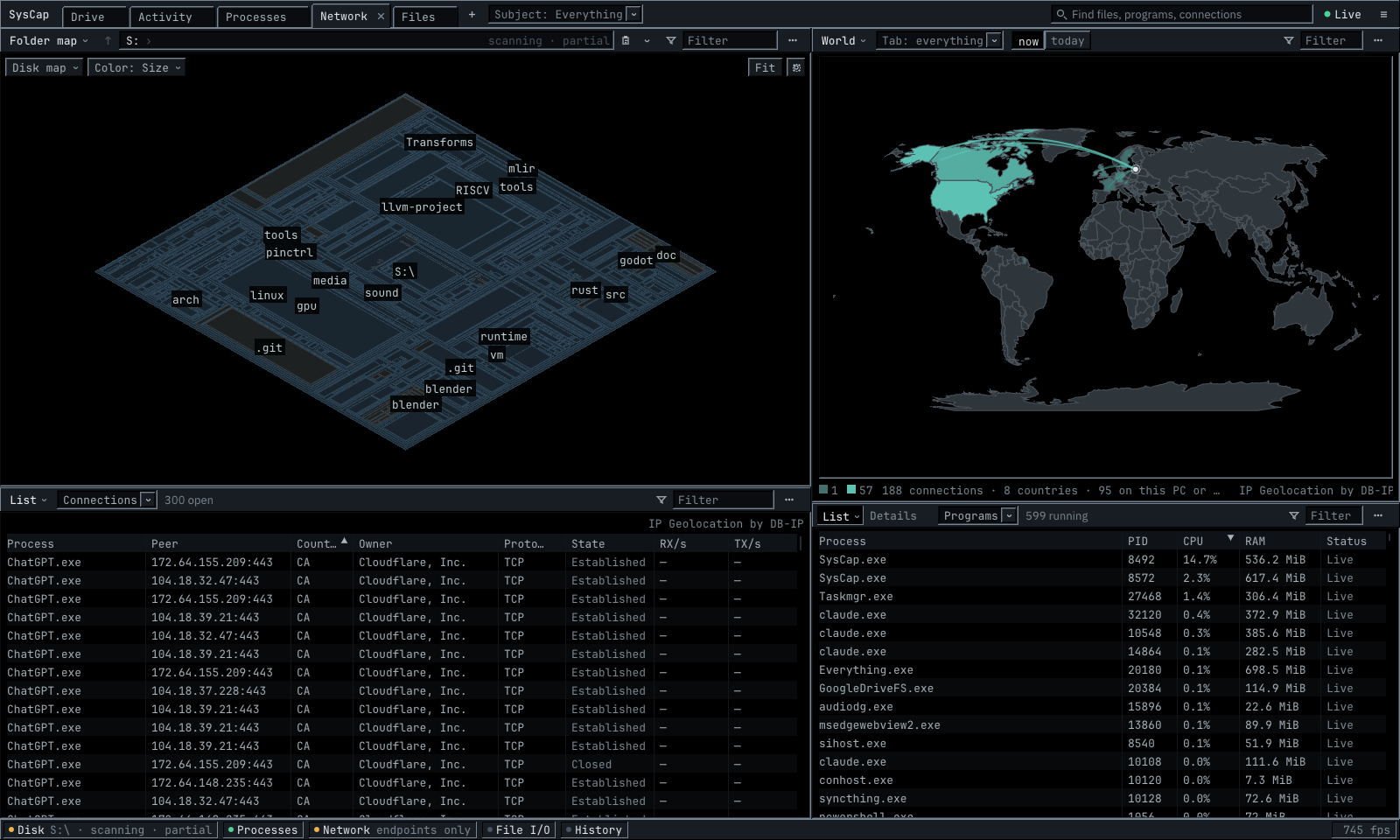
A Network tab. Every connection with its program, addresses, state and two columns Windows does not
have: the country and the network owner of the remote address, looked up on the PC (IP Geolocation by
DB-IP). The World panel shades the countries your programs talk to right now, with
the lines from home.
Files
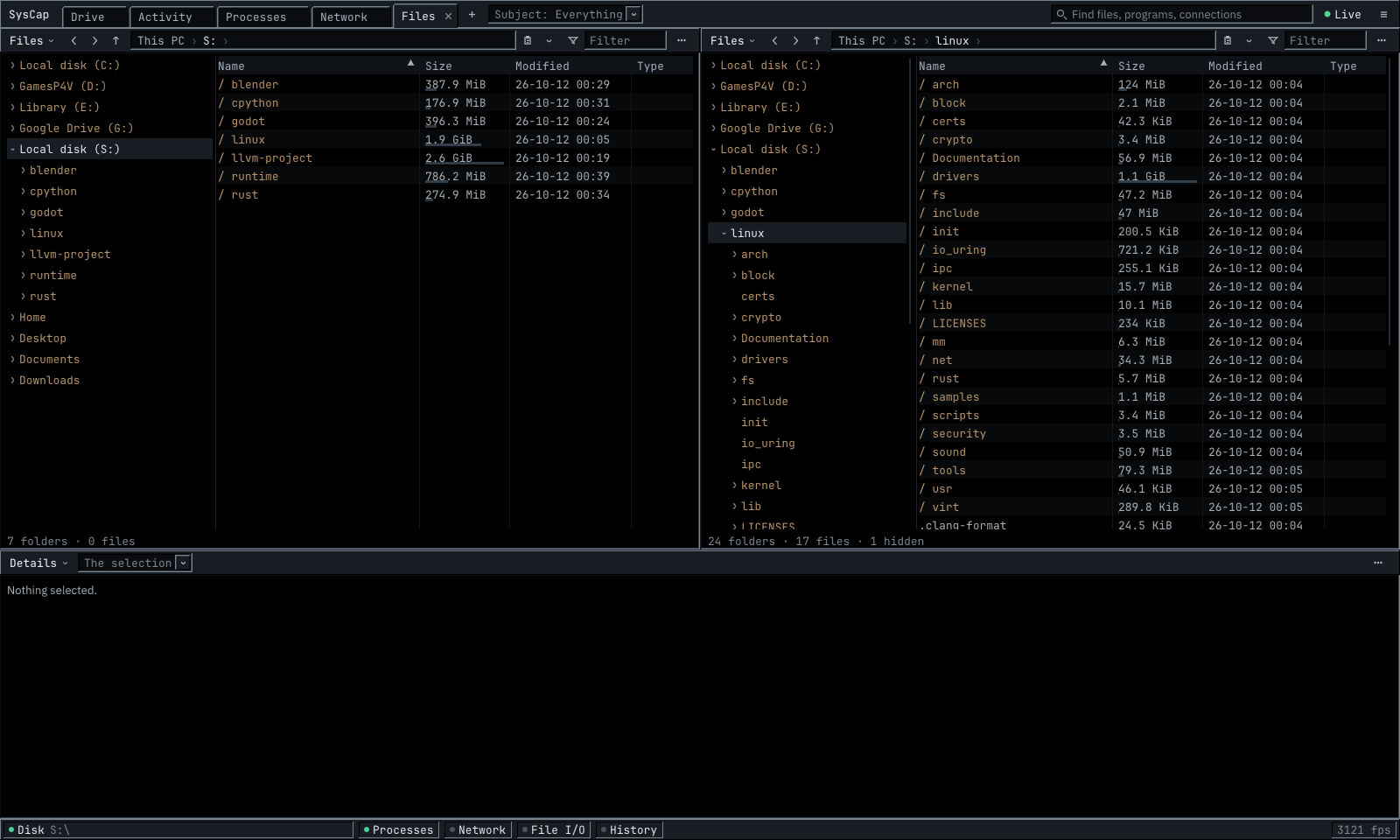
A Files tab: two panels side by side, like a two-pane file manager, with folder sizes and bars from
the scan. Copy, move, rename many at once, Recycle Bin, and Ctrl+Z to undo.